
 FR
FR EN
EN AR
AR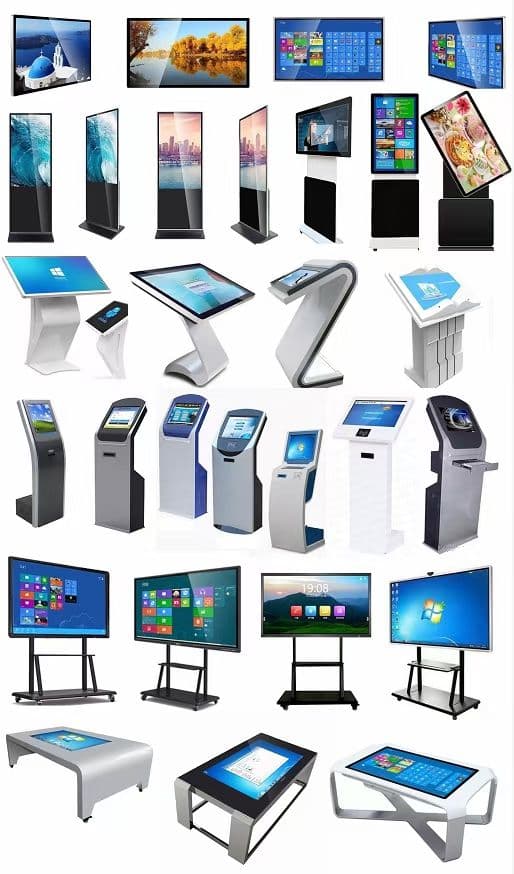
Pick a use, not a gadget
Product catalogue, qualification quiz, appointment booking, floor plan or demo. A screen that “animates” without a clear task becomes lit furniture.
Placement on the booth
Reading height, contrast, queue and power are discussed with stand design. It is easier when the builder and the interactive vendor work together.
Prepare content before the build
Short copy, artwork readable at arm’s length, a path in three taps or fewer. Test on the real device. Plan a fallback if hall network is saturated.
Measure without harassing
Interactions, time spent, contacts left: simple indicators. Avoid long forms: visitors are standing, in noise, with little time.
Frequently asked questions
Do you need one kiosk per booth?
No. One well-placed, useful kiosk beats three ignored screens. Start from the visitor journey, not from device count.
Who provides the content?
Usually the exhibitor. The vendor confirms a compatible format and can help with integration. Plan an offline version if show wifi is unstable.
Where should the kiosk sit?
Visible from the aisle, without blocking welcome, with room for a short queue. Too far back, it disappears.
Related services
- LED screen rental in Morocco
LED screen rental and installation for your events in Morocco.
- Touch kiosk and totem rental
Interactive devices to engage visitors and elevate your brand.
- Exhibition stand design and build in Morocco
Custom stands that embody your brand and attract visitors.
Related projects
Related articles
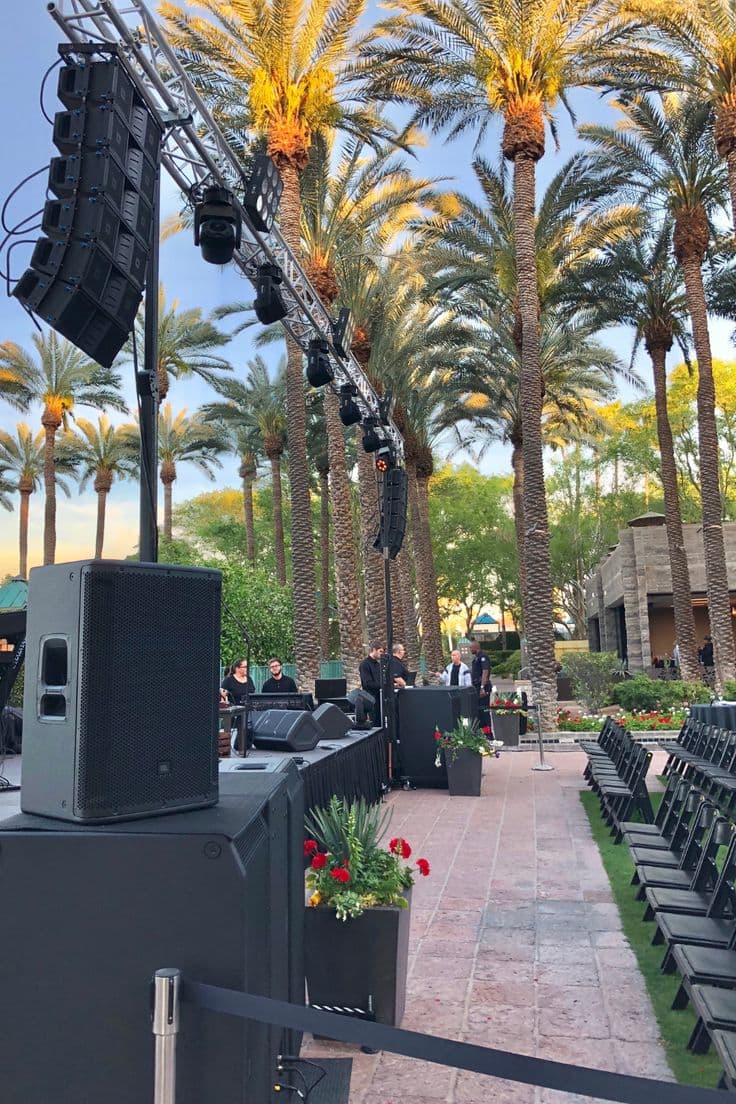
How to design a stand that attracts visitors?
Design principles for an attractive stand: message, contrast, zones and stopping points.
Read article →
Trade show in Morocco: how to prepare your participation?
Preparing trade-show participation in Morocco: sales goals, booth, team, conversion tools and lead follow-up.
Read article →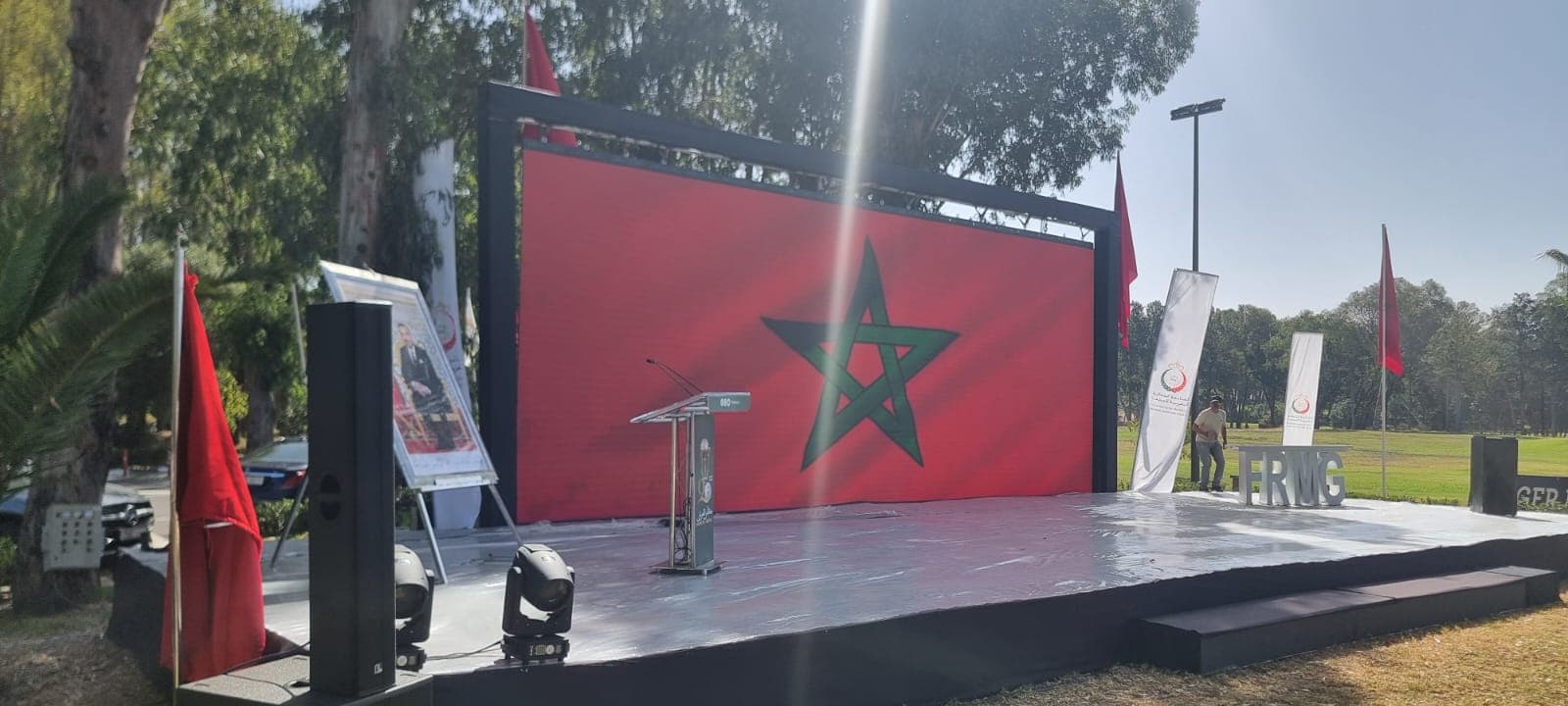
How to choose an LED screen for an event?
Pitch, brightness, indoor/outdoor and logistics: key criteria for renting the right LED screen.
Read article →